Histogram equalizer | 3 nodes | Substance Designer



Intended for use with Substance Designer 11.1.1 or newer.
Product contains:
- Histogram equalizer.sbs (containing 3 nodes) (commercial licenses only)
- Histogram equalizer.sbsar (containing 3 nodes)
- Histogram_Equalizer_examples.sbs
The .sbs and .sbsar both contain the following 3 nodes:
- Histogram equalizer grayscale
- Histogram equalizer RGB
- Histogram equalizer Brightness
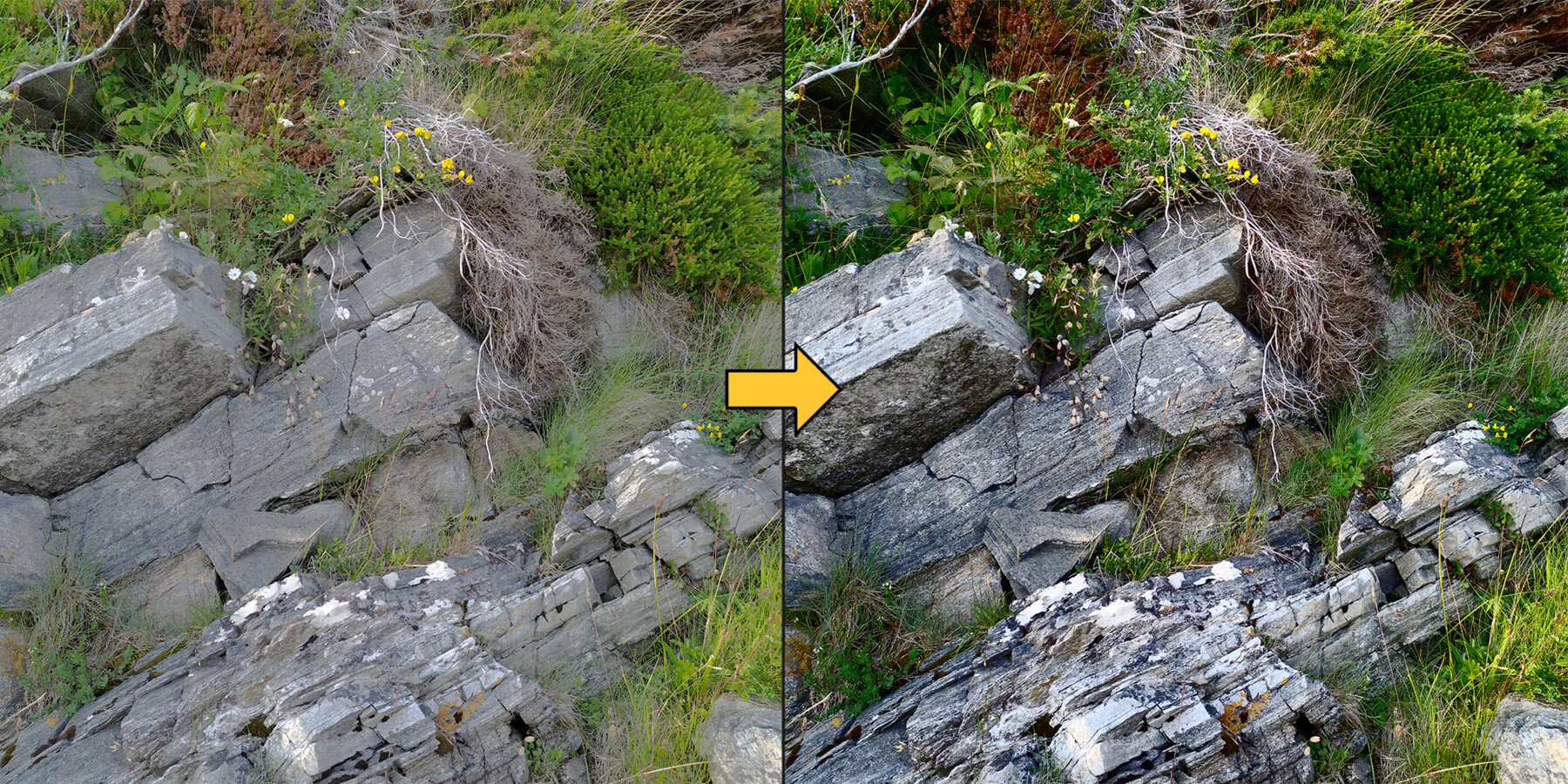
The nodes are designed to make the spread of values within an image very consistent, essentially raising its contrast in a completely non-destructive way until each value is equally common in the image.
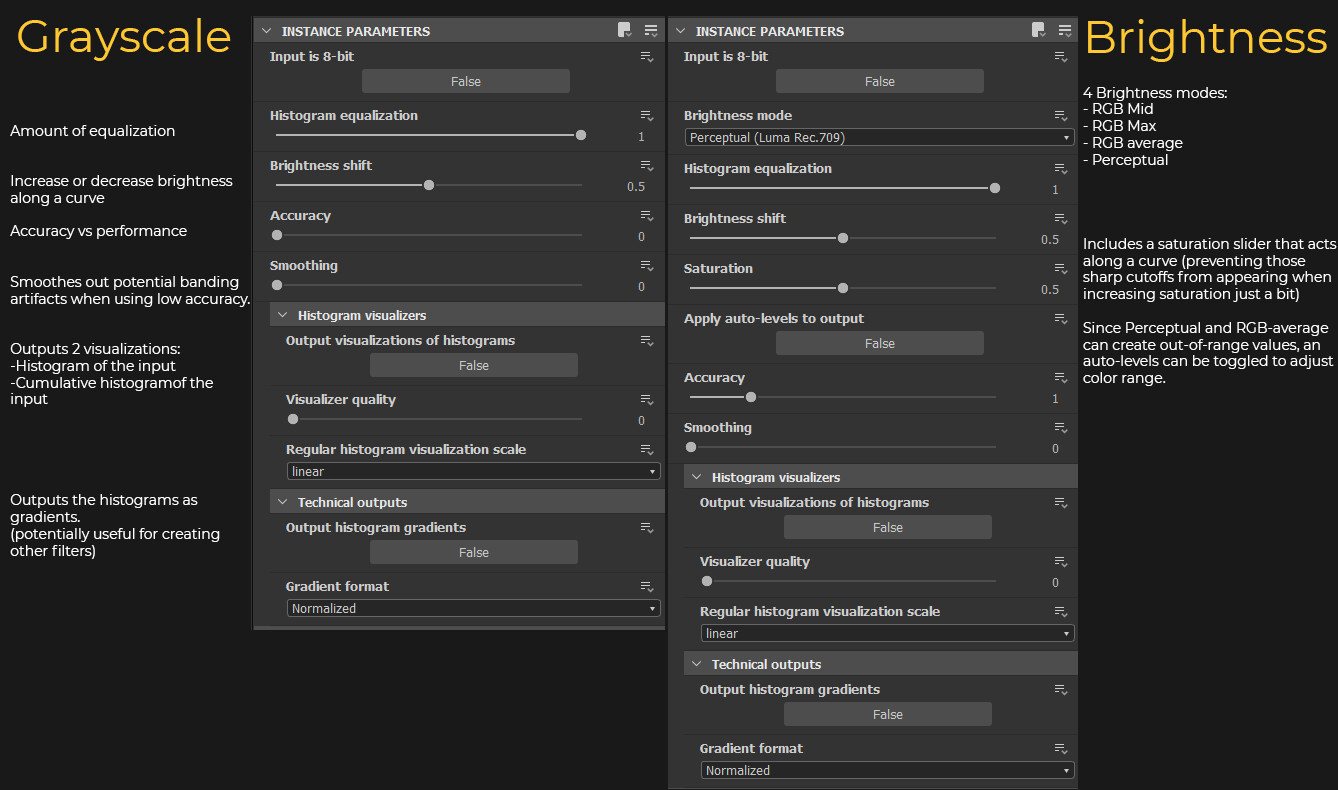
This spread can be applied in different ways. The nodes offer options for Grayscale, RGBA color and 4 variants of color 'brightness'
This can be very useful to increase perceived depth in a heightmap, make masks consistent or to apply gradient maps predictably and consistently without having to adjust for different inputs.
The RGB and brightness nodes are both intended for adjusting color. Contrast can be increased more naturally than with a regular contrast node. And brightness can be adjusted along a smooth curve. The brightness node also has a saturation slider which is also calculated along a curve to create smoother results (until it's turned all the way up).
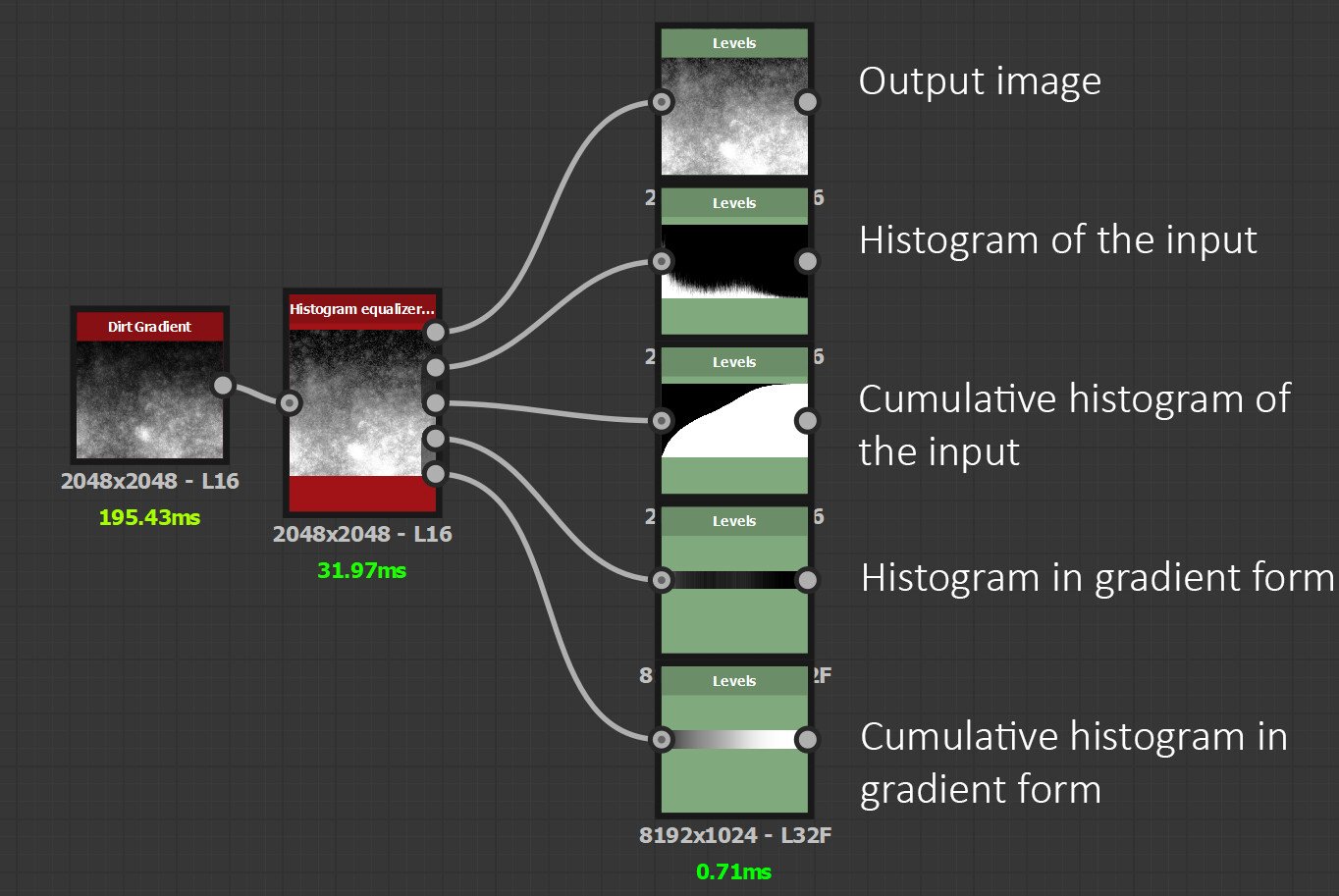
For the more technical users, the nodes can output the histograms and cumulative histograms in gradient form.
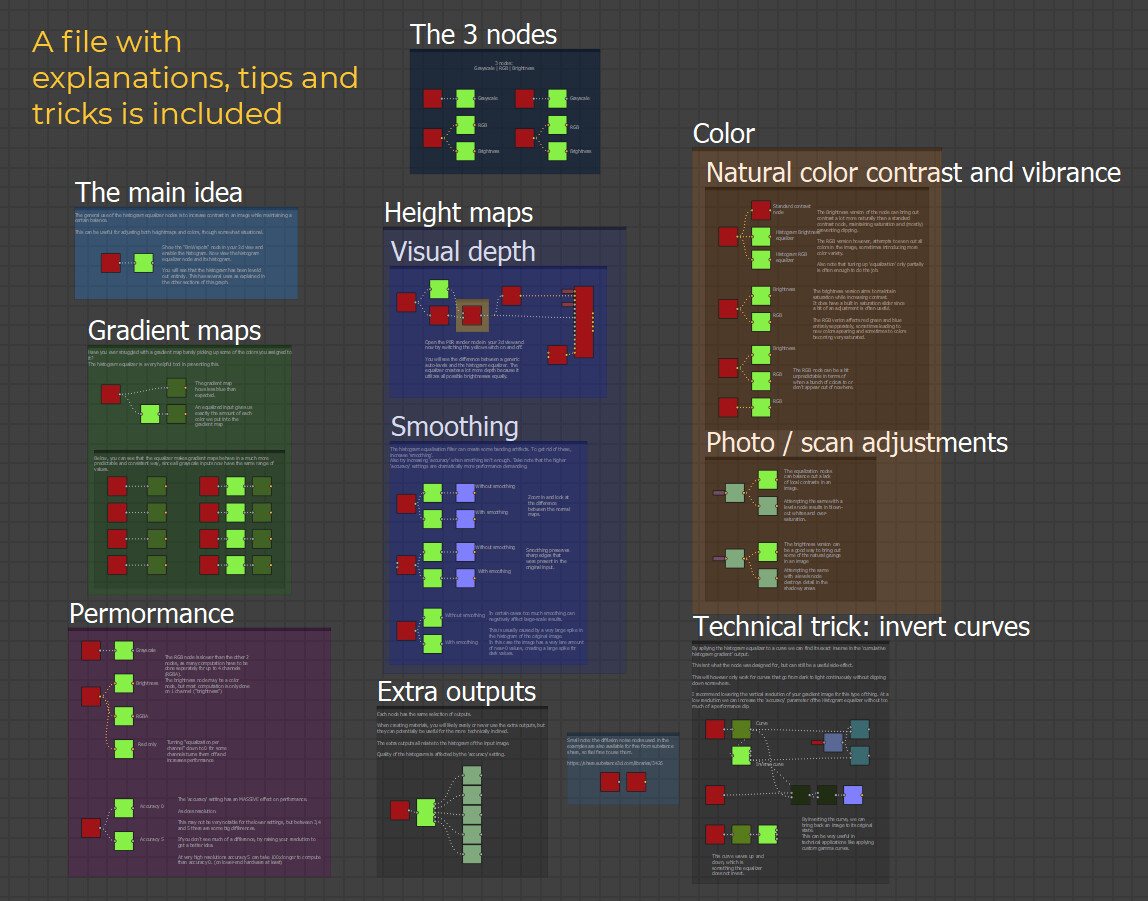
An .sbs with examples, tips and tricks is included to get you started.
Release Notes
- Decided to release the non-commercial version for free so people can try out the nodes before purchase. (Those who have purchased this version already may contact me to figure something out)
- Added 2 new variables to each of the 3 nodes:
1. Normalize missing range
Corrects the color range when there is a large flat color, like a black background.
2. Histogram bellcurve
Spread values along a bellcurve instead of a even distribution. This will mostly benefit the rgb and brightness nodes as it creates a more natural appearance.
- Small performance tweaks
- Improved handling of empty channel(s) for RGB node.
- Rearranged some variables so they are in the same order and groups between nodes.